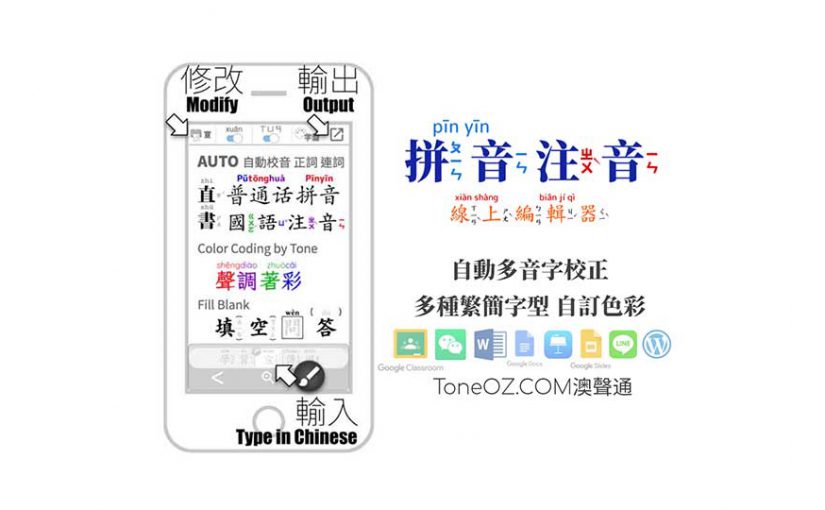
Pinyin Zhuyin Editor 拼音注音編輯器
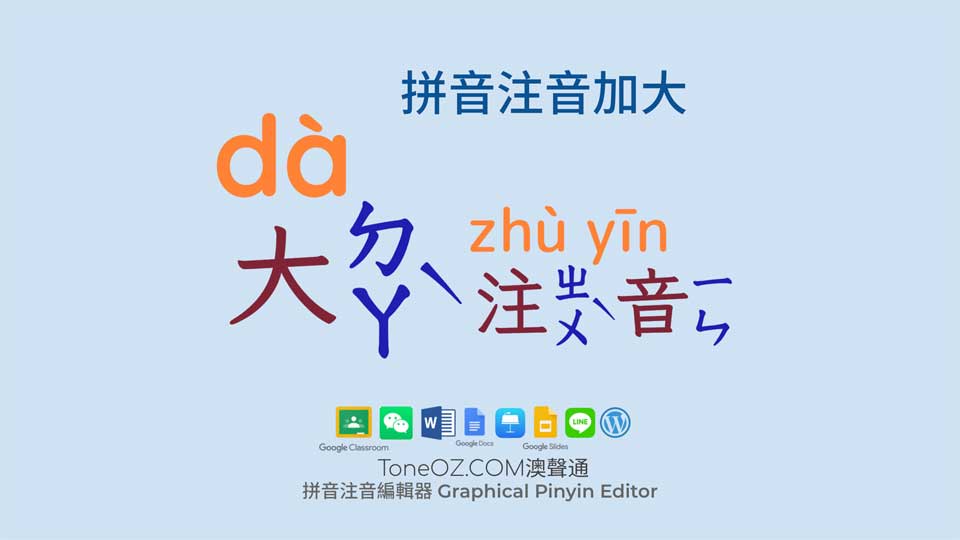
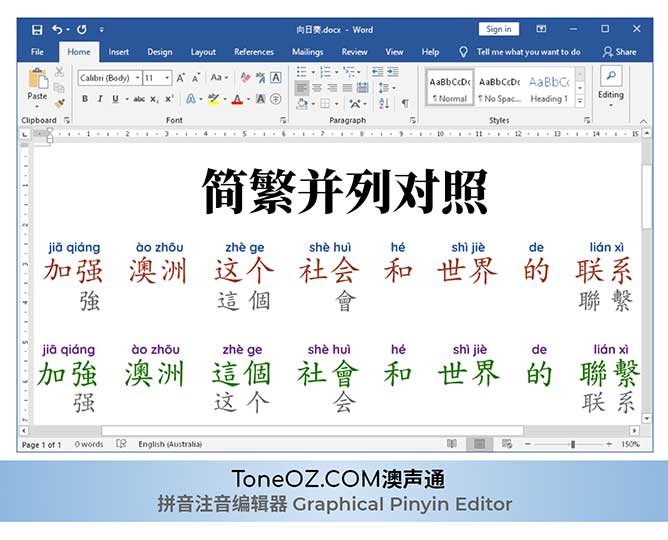
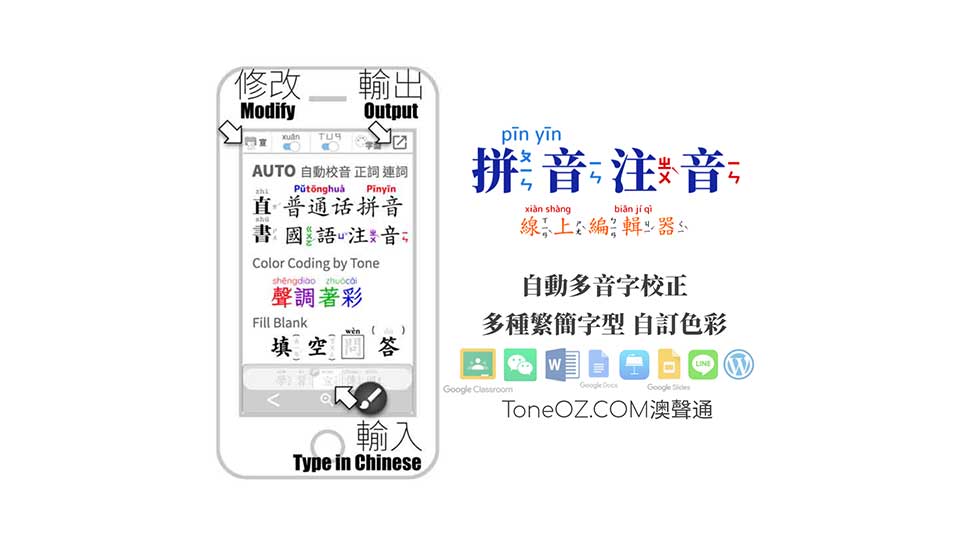
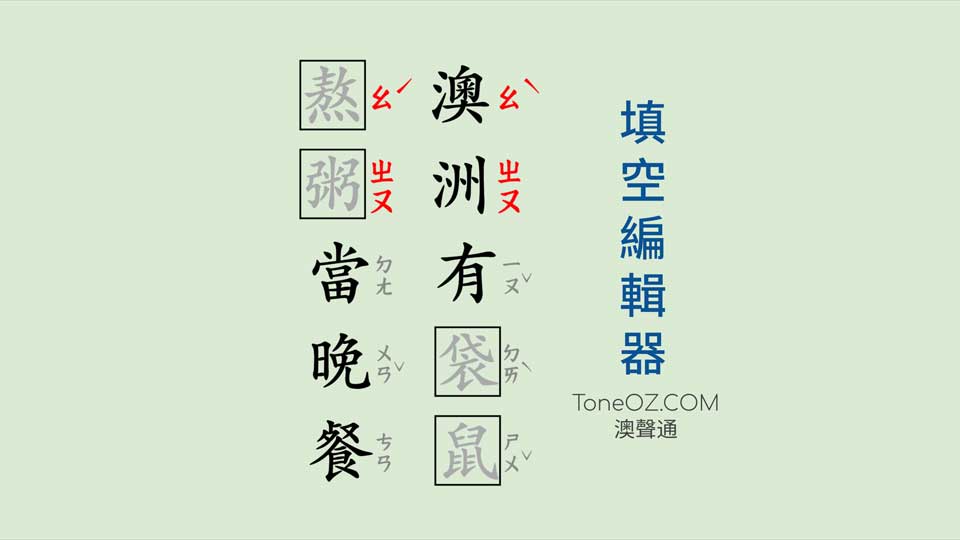
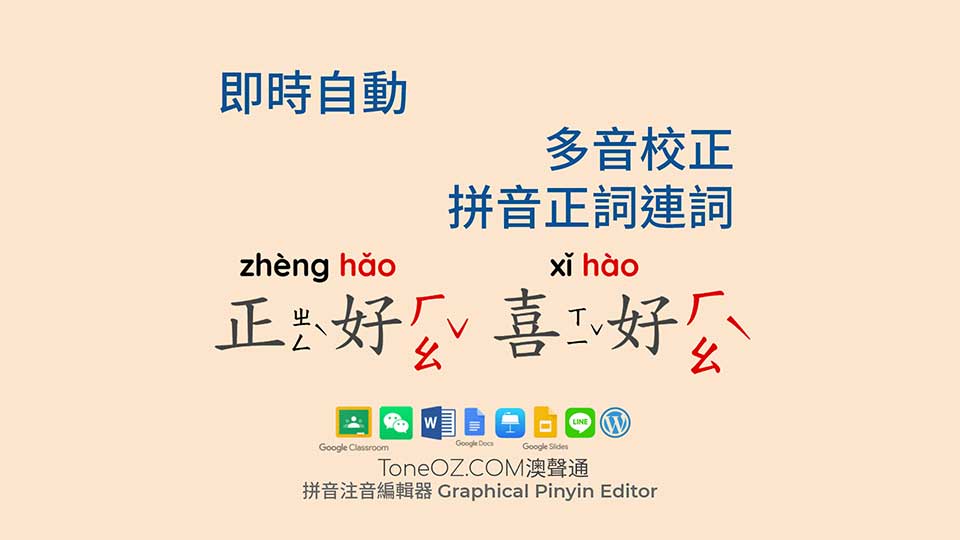
- Auto add Pinyin or Zhuyin to Chinese words
自動加上 漢語拼音 或 注音 - Auto correction for Chinese Heteronyms & Orthography
自動破音校正, 支援漢語拼音正詞法 - Support both Common Tongue & National Language
校正音可選擇 普通話 或 國語 - Support Color by tone
依照聲調設定色彩 - Support Google fonts
雲端字型免費商用 - Compatible with All Editors, output transparent background images
輸出透明背景圖檔, 相容各種App編輯軟體
What is “ToneOZ Editor” ?
In the old days without the “ToneOZ”, teachers and students have to install special font files in all their devices in order to create and read an educational Chinese document with phonetic symbol “Pinyin” or “Zhuyin”, while the phonetic symbols might disappear if they switch to a new device without specific fonts.
為了編寫帶有拼音或注音的教學文件,傳統的作法是需要在老師跟學生使用的每一台電腦上都安裝特殊字型,常常造成換了一台電腦之後文件就無法正確顯示。
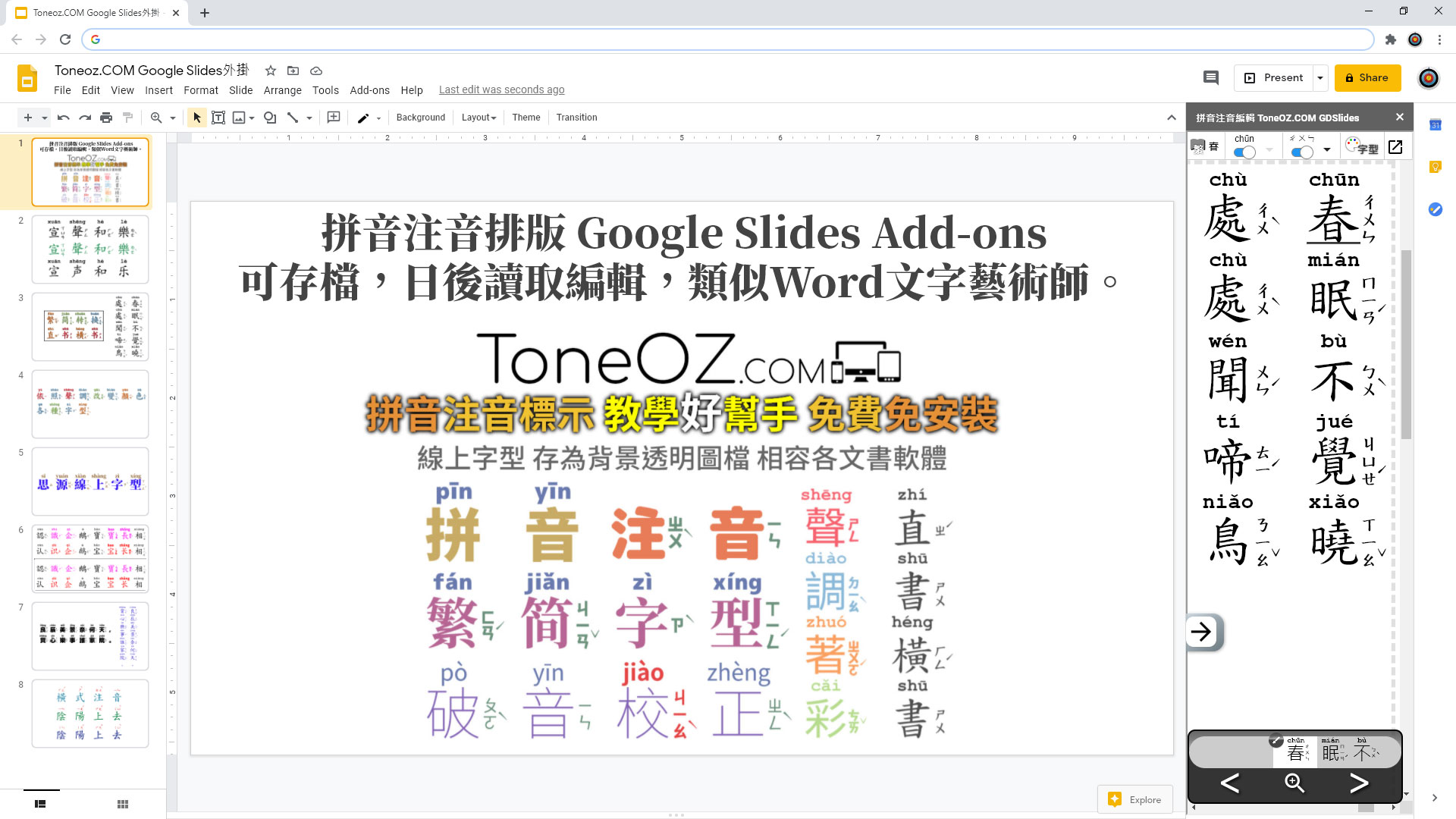
With our editor “ToneOZ”, special fonts are not mandatory anymore. Just type-in Chinese characters directly into ToneOZ.COM, the editor will attach Pinyin to the top “AND/OR (user adjustable)” Zhuyin to the right of the characters, with a beautiful layout and alignment, much more easy for students to read. ToneOZ converts these characters and symbols to an image file with transparent background, you can copy and paste the image to any other document by any other software easily. The Pinyin and Zhuyin symbol will stay with the document copied to any other device without special fonts.
ToneOZ.COM 編輯器是為了幫助華語教師而設計的,不需要安裝額外字型,輸入或貼上中文,會自動上標漢語拼音,右標注音,整齊排版方便閱讀,可選擇只顯示拼音或注音。最後幫你存為透明背景圖檔,輸出到任何其他文書處理軟體來編寫文件,文件傳送到其他電腦可完全正確顯示。
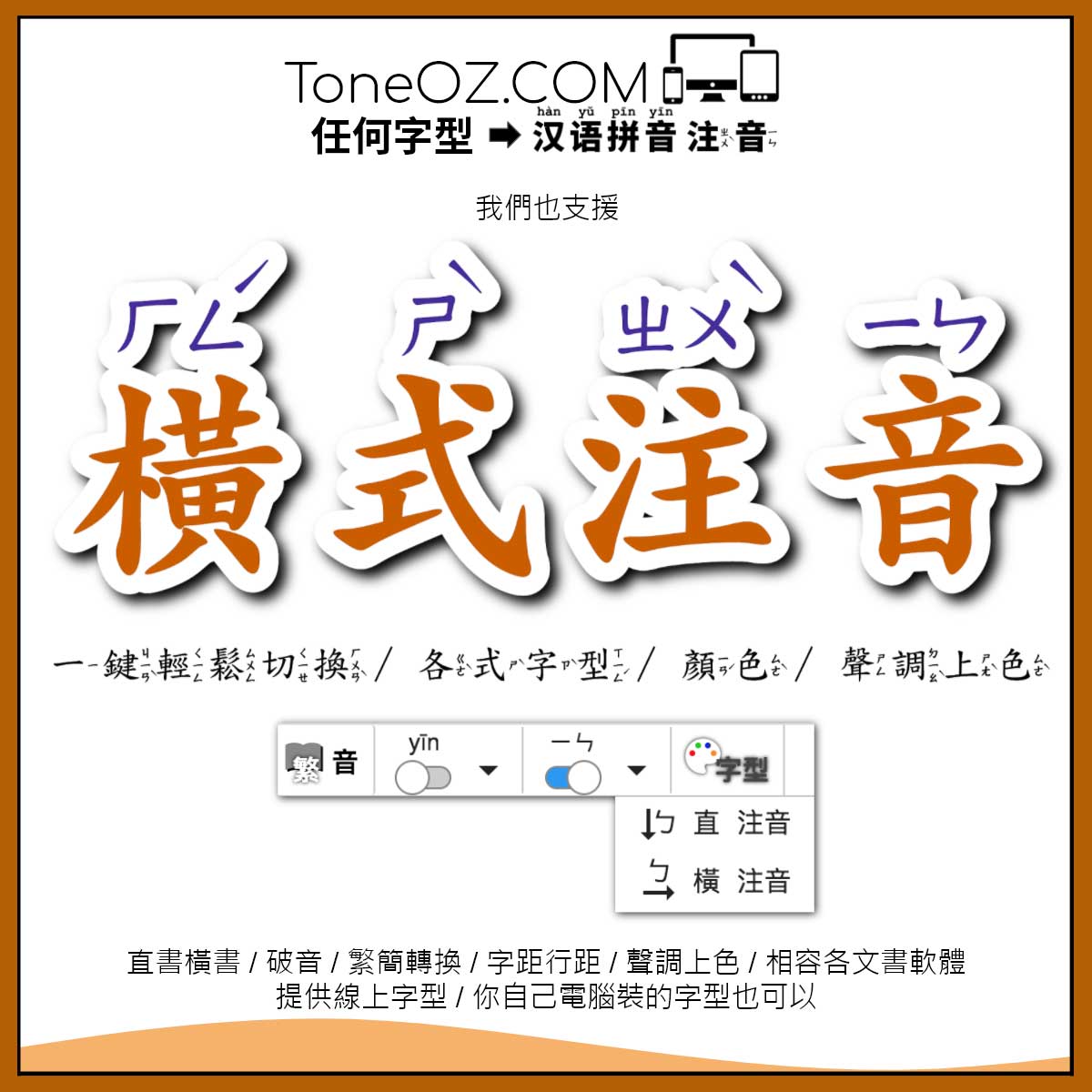
We also support many useful features. e.g.: Heteronym (multiple pronunciation options for single Chinese character), Manual phonetic tone modification, switch between horizontal and vertical writing directions, traditional and simplified Chinese characters conversion, Free Online Google Chinese Fonts. Except the default system font, users can also choose other fonts installed on their computer.
可修改多音破音字、聲調、直書橫書、簡體繁體轉換。 字型可自選,漢字與拼音可組合不同字型,支援谷歌免費線上字型,也可選用您電腦安裝的字型。
For detail user guide, please click the link below:
詳細使用方法請參照以下連結中的說明:
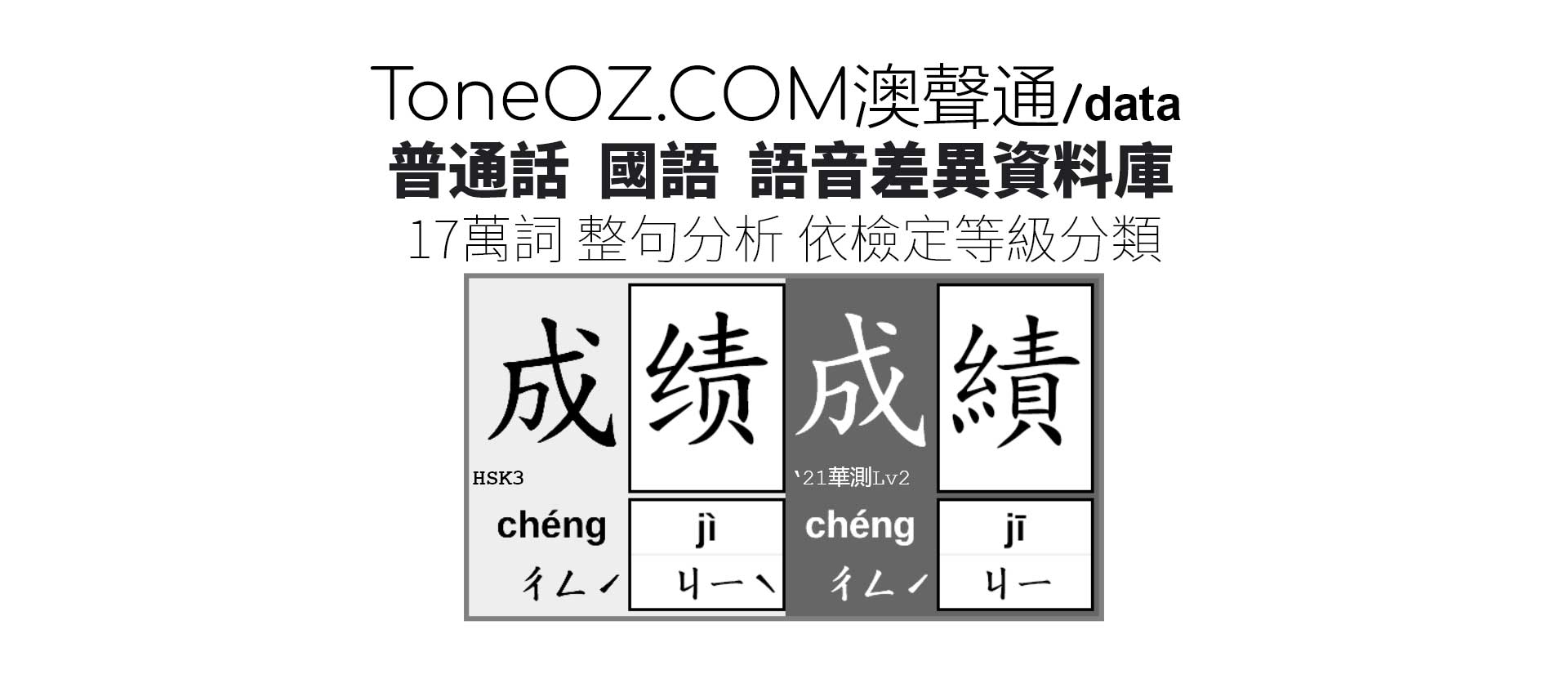
There are two major systems in Mandarin Chinese: The Mainland uses “Simplified Chinese Characters” with accent “Pǔtōnghuà (Common Tongue)” and the phonetic symbol “Pinyin”, while Taiwan uses “Traditional Chinese Characters” with accent “Guóyǔ (National Language)” and the phonetic symbol “Zhuyin”. The pronunciation standards of these two systems are developed by different authorities and experts. Differences therefore exist between these two systems.
中文有兩大標準規範:大陸書寫使用「簡體字」搭配語音「普通話」及符號「漢語拼音」,台灣書寫使用「繁體字」搭配語音「國語」及符號「注音」。 由不同地區的教育主管單位分別制定兩者的語音標準,因而存在差異。
“Multicultural Policy” is one of the most important commitments in the Australia Education System. Australia schools value the community harmony, intercultural understanding development, and inclusive teaching practices. Over a hundred years, Chinese immigrants from different regions with different culture background have joined this country, and now is the second largest migrant community in Australia. By these Australia shared values, “ToneOZ” build tools and Apps for Chinese teaching with different varieties.
過去一百多年間有來自不同區域不同文化背景的華人在澳洲落腳生根,澳洲2016人口普查顯示華語僅次於英文為第二大通行語言,佔2.5%。澳大利亞的教育精神是強調民族多樣性,包容性,肯定多元文化。澳洲保留各語言的特色,同時增進不同語言使用者之間的相互了解, 維持族群和諧。「澳聲通」以這樣的澳洲價值為出發點,來製作符合不同背景的教學工具。
Simplified Chinese 簡體字 | Pinyin 漢語拼音 | Common Tongue 普通話 |
Traditional Chinese 繁體字 | Zhuyin 注音 | National Language 國語 |